![Trellis-MainLogo-AllWhite-01.png]](https://help.trellis.org/hs-fs/hubfs/Trellis-MainLogo-AllWhite-01.png?height=40&name=Trellis-MainLogo-AllWhite-01.png)
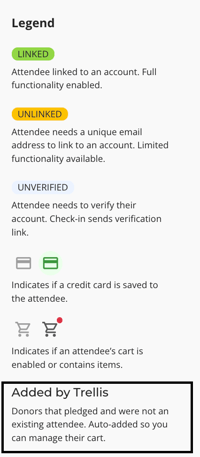
When a donor makes a pledge from their own account, Trellis checks whether their email address belongs to an existing attendee. If it doesn't, Trellis automatically adds them to the check-in tool as a non-attendee. This keeps every pledge in one place, so you can manage their cart and collect payment even if they didn't buy a ticket or register for your event.
What Creates a Non-Attendee
A non-attendee is added automatically when both of the following are true:
- A donor pledges a donation or an item for sale from their own account.
- The email address they use doesn't match an existing attendee in your Check-In Tool.

How to Collect Payment from Non-Attendees
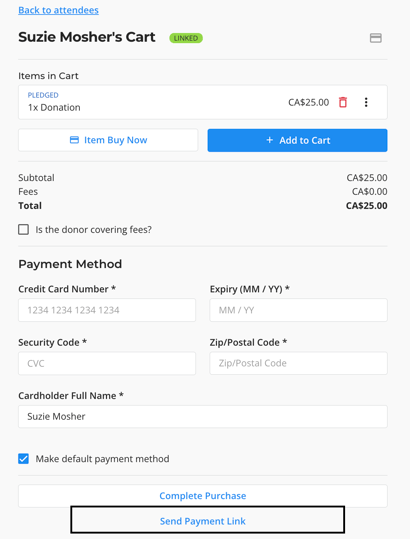
- Click Add to Cart on the Non-Attendee.
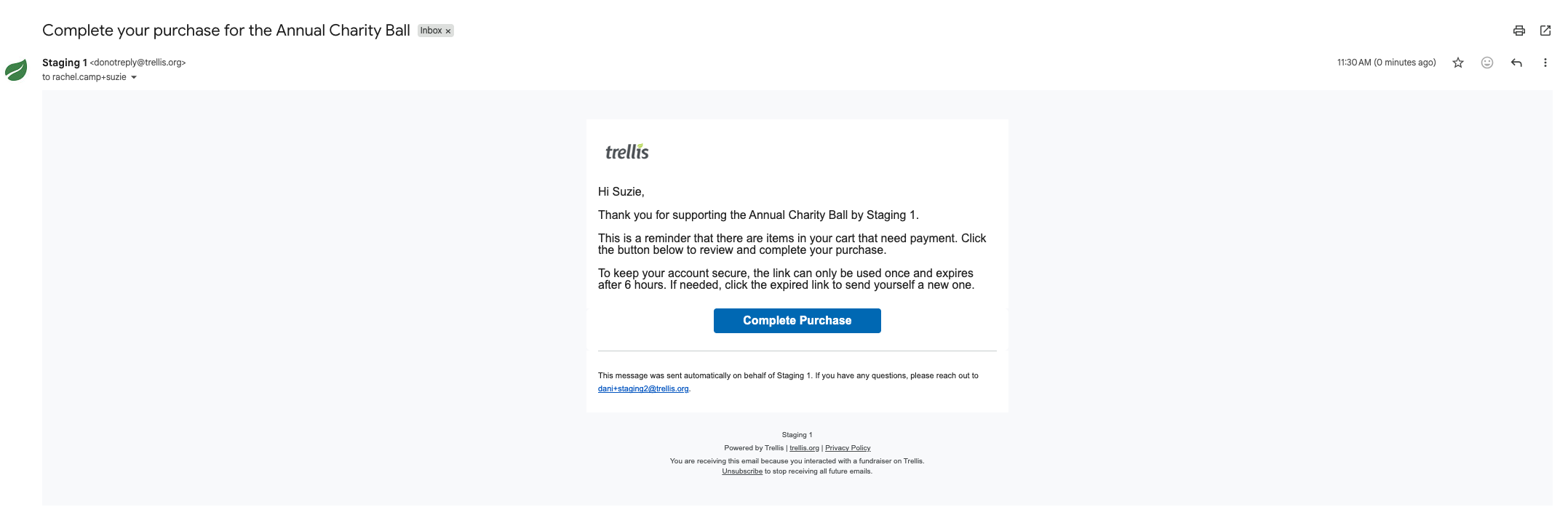
- Click Send Payment Link to send the Non-Attendee an email that contains a link to log into their account and complete their payment.