![Trellis-MainLogo-AllWhite-01.png]](https://help.trellis.org/hs-fs/hubfs/Trellis-MainLogo-AllWhite-01.png?height=40&name=Trellis-MainLogo-AllWhite-01.png)
If you've received SMS messages from a fundraiser or organization on Trellis, you can choose whether to keep receiving them, directly from your account settings at any time.
How to Configure Your Notifications
- Log into your Trellis account.
- Navigate to My Account.
- Toggle Text Message on or off based on your preference under Notifications.
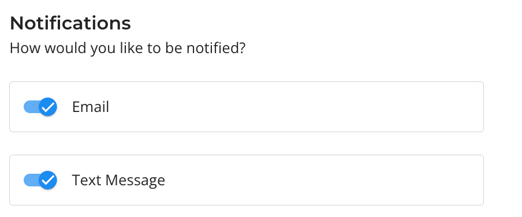
Turning off both email and SMS notifications will stop all communications, including reminder and confirmation emails.
Trellis doesn't support STOP or START keyword replies for SMS opt-out. Use the My Account > Notifications to manage your notification preferences.