![Trellis-MainLogo-AllWhite-01.png]](https://help.trellis.org/hs-fs/hubfs/Trellis-MainLogo-AllWhite-01.png?height=40&name=Trellis-MainLogo-AllWhite-01.png)
How to Add an Auction Sponsor
- In the Silent & Live Auctions section of the sidebar, select Auction Sponsors.
- Click Add Sponsor in the top-right corner.
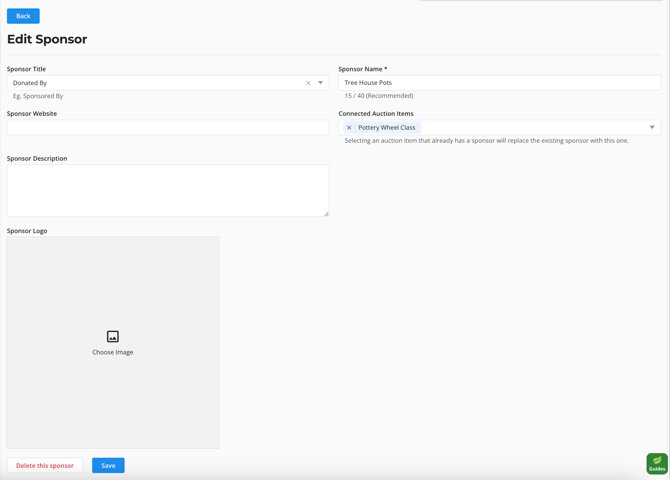
- Fill in the sponsor details.
- Under Connected Auction Items, select any items you'd like to link this sponsor to. Please note: each auction item can only have one connected sponsor.
- Click Save.

Pro Tip: If you're setting up sponsors before your auction items exist, leave Connected Auction Items blank. You can connect sponsors to items later when building each auction item.
Related Articles
- How to Set Up and Launch Your Silent Auction
- How to Create Silent Auction Items
- How to Set Up and Display Your Live Auction
Need Help?
Did this answer your question? If not, please reach out to our Product Engagement Team via the blue chat icon or email support@trellis.org.